
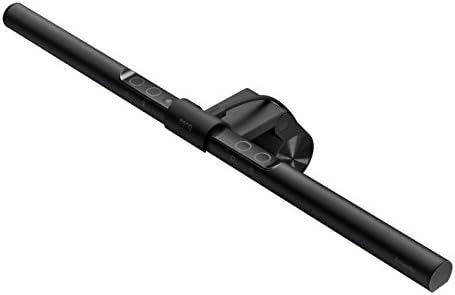

Best Office & Productivity: 5 Picks Scored & Ranked

Ranked by our assessment of each product

The picks in detail

Five office & productivity tools ranked by demand, trust, value, quality, and durability. From desk organizers to ergonomic mice, find the right fit.

Marbrasse Desk Organizer with DrawerBest Overall

No. 1 · Top pick

Marbrasse Desk Organizer with Drawer

Marbrasse

Why it ranked

Scored across trust, quality, value, and demand. It is rated 4.5 out of 5 from 5,564 ratings on Amazon, as of October 31, 2026.

Strengths

  • Consolidates desk clutter into compact footprint without sacrificing accessibility
  • Pullout drawer adds concealed storage for items requiring quick retrieval
  • Mesh construction prevents dust buildup while maintaining visibility of contents
  • Ten-dollar price point delivers exceptional value for multi-compartment organization

Trade-offs

  • Limited drawer depth may not accommodate larger items like full-size staplers
  • Mesh design lacks the polished aesthetic of solid metal alternatives
  • Fixed compartment sizes prevent customization for non-standard supplies
Logitech MK270 Wireless Keyboard and Mouse Combo

No. 2

Logitech MK270 Wireless Keyboard and Mouse Combo

Logitech

Why it ranked

Value score reflects pricing well below competitors while maintaining trust and quality metrics that exceed typical budget peripheral expectations. It is rated 4.5 out of 5 from 111,567 ratings on Amazon, as of November 4, 2026.

Strengths

  • Single USB receiver eliminates the need for multiple dongles or Bluetooth pairing
  • Extended battery life reduces maintenance friction and ongoing costs
  • Quiet membrane keys minimize disruption in shared or open workspace environments
  • Logitech brand trust delivers lower failure rates than generic budget combos

Trade-offs

  • Membrane switches lack the tactile feedback and longevity of mechanical alternatives
  • Mouse sensor is adequate for office tasks but insufficient for precision work
  • Non-rechargeable battery design creates ongoing disposable battery expenses
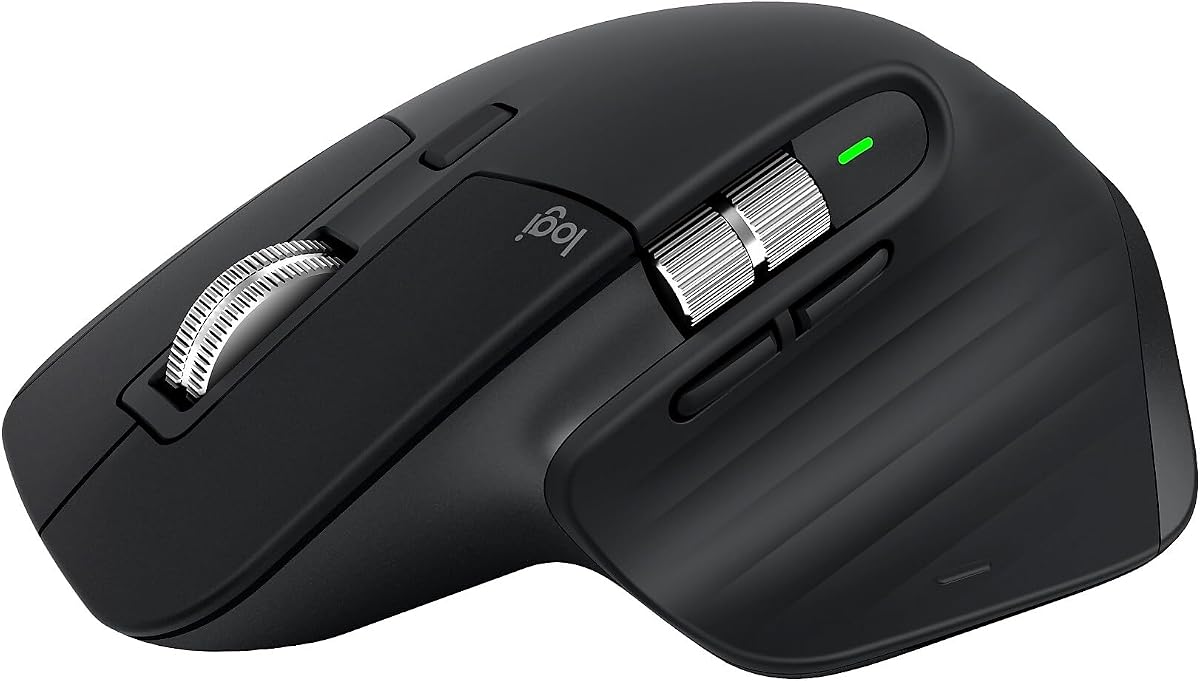
Logitech MX Master 3S - Performance Wireless Mouse, Black

No. 3

Logitech MX Master 3S - Performance Wireless Mouse, Black

Logitech

Why it ranked

Budget label reflects lowest cost entry to premium productivity mouse segment while maintaining quality and feature scores above mid-tier alternatives. It is rated 4.6 out of 5 from 225 ratings on Amazon, as of November 13, 2026.

Strengths

  • 8,000 DPI sensor provides precision tracking on virtually any surface including glass
  • Multi-device pairing allows seamless switching between up to three computers
  • 70-day battery life with fast charging reduces workflow interruption from power management
  • Customizable buttons and scroll wheel deliver measurable efficiency gains for power users

Trade-offs

  • Right-handed ergonomic design excludes left-handed users entirely
  • Premium pricing may exceed budget for users satisfied with basic mouse functionality
  • Software customization requires installation of Logi Options+ for full feature access
Ergotron LX Desk Monitor ArmBest Premium

No. 4

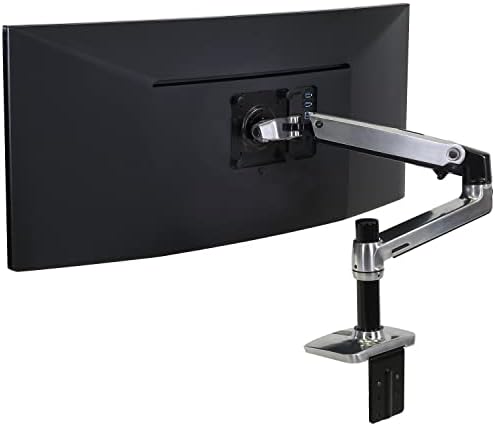
Ergotron LX Desk Monitor Arm

Ergotron

Why it ranked

Mid-range rank reflects premium quality scores balanced against pricing that remains accessible for ergonomic-focused buyers. It is rated 4.6 out of 5 from 4,126 ratings on Amazon, as of November 6, 2026.

Strengths

  • Gas spring mechanism enables effortless repositioning across full range of motion
  • Supports monitors up to 25 pounds across broad size range without stability issues
  • Internal cable routing maintains clean desk aesthetic while preventing cord tangling
  • Aluminum construction delivers exceptional durability with minimal failure rates

Trade-offs

  • Two-hundred-dollar price point creates barrier for casual users or budget-constrained buyers
  • Single-monitor design requires additional arms for multi-display setups
  • Installation requires secure desk surface capable of supporting clamp or grommet forces
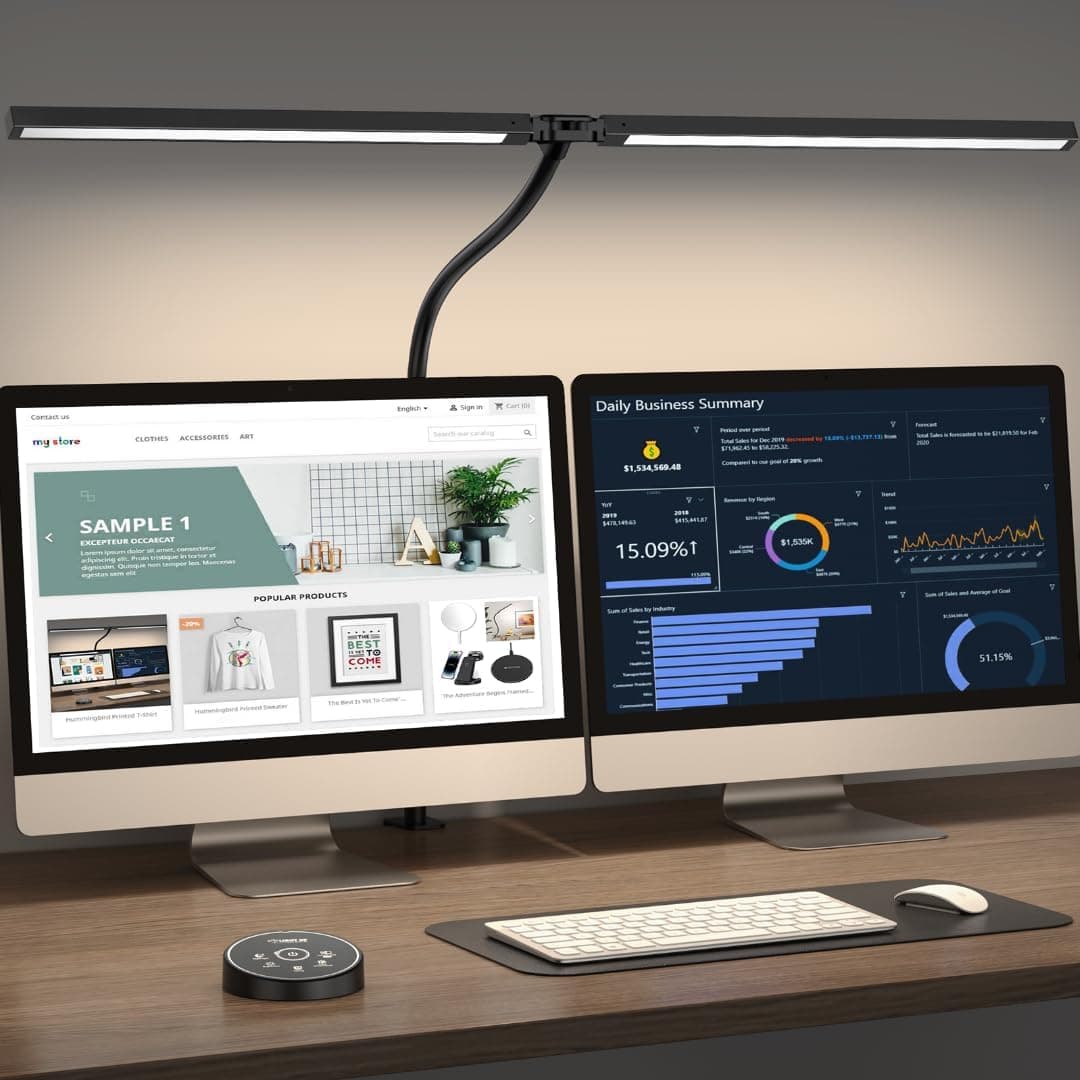
BenQ ScreenBar LED Monitor Light Bar

No. 5

BenQ ScreenBar LED Monitor Light Bar

BenQ

Why it ranked

Honorable mention rank reflects exceptional quality scores in niche lighting category but lower universal demand compared to broader productivity tools. It is rated 4.7 out of 5 from 2,943 ratings on Amazon, as of November 11, 2026.

Strengths

  • Asymmetric light design eliminates screen glare while providing even desk illumination
  • Auto-dimming sensor adjusts brightness dynamically based on ambient conditions
  • Clip-on installation frees desk surface area compared to traditional lamps
  • Adjustable color temperature supports both task focus and reduced eye strain

Trade-offs

  • One-hundred-nine-dollar price creates friction for buyers viewing task lighting as commodity
  • Compatibility limited to monitors with flat top edges and sufficient clearance
  • USB power requirement may consume valuable port when monitor lacks powered USB hub

Compare all 5 picks

Fact
Marbrasse Desk Organizer with Drawer
No. 1Marbrasse Desk Organizer with DrawerBest OverallBuy on Amazon
Logitech MK270 Wireless Keyboard and Mouse Combo
No. 2Logitech MK270 Wireless Keyboard and Mouse ComboBuy on Amazon
Logitech MX Master 3S - Performance Wireless Mouse, Black
No. 3Logitech MX Master 3SBuy on Amazon
Ergotron LX Desk Monitor Arm
No. 4Ergotron LX Desk Monitor ArmBest PremiumBuy on Amazon
BenQ ScreenBar LED Monitor Light Bar
No. 5BenQ ScreenBar LED Monitor Light BarBuy on Amazon
Price$7.99$19.99$75.99$199.96$92.65
Standout strengthConsolidates desk clutter into compact footprint without sacrificing accessibilitySingle USB receiver eliminates the need for multiple dongles or Bluetooth pairing8,000 DPI sensor provides precision tracking on virtually any surface including glassGas spring mechanism enables effortless repositioning across full range of motionAsymmetric light design eliminates screen glare while providing even desk illumination
Main trade-offLimited drawer depth may not accommodate larger items like full-size staplersMembrane switches lack the tactile feedback and longevity of mechanical alternativesRight-handed ergonomic design excludes left-handed users entirelyTwo-hundred-dollar price point creates barrier for casual users or budget-constrained buyersOne-hundred-nine-dollar price creates friction for buyers viewing task lighting as commodity
//The Method

How we rank products

At theRANKS, we research, evaluate, and compare products using five key factors to help identify the best options in each category. Our approach combines product research, specifications, customer feedback, and firsthand experience where available.

  1. 01
    Quality

    We evaluate product features, materials, construction, and overall performance to understand what sets each product apart.

  2. 02
    Durability

    We consider reliability, expected longevity, warranty coverage, and available evidence of how products hold up over time.

  3. 03
    Trust

    We examine customer ratings, reviews, and feedback patterns to better understand real-world experiences and overall satisfaction.

  4. 04
    Value

    We compare pricing, features, and overall benefits to determine what each product offers for the money.

  5. 05
    Demand

    We consider market interest, sales activity, and product popularity as additional indicators of consumer demand.

Explore Our Methodology

Office & Productivity FAQ

  1. How do I choose between a desk organizer and drawer dividers?
    Desk organizers score higher for frequently accessed items requiring visual scanning and quick retrieval, while drawer dividers excel at concealing supplies and maximizing under-desk storage capacity. If your workflow involves simultaneous project management or you lack sufficient drawer space, vertical organizers deliver better accessibility. Drawer systems work best when desk surface must remain minimal or when items are accessed infrequently enough that retrieval speed is not productivity-critical.
  2. Is it worth spending more for a premium wireless mouse over budget options?
    Value calculations depend on daily usage intensity and precision requirements. Budget mice score adequately for basic office tasks, but premium models deliver measurable advantages in sensor accuracy, battery longevity, programmable buttons, and multi-device pairing that compound efficiency gains for power users. If you spend more than four hours daily on detail-oriented work—design, coding, data analysis—the investment typically recaptures cost through reduced friction and physical comfort within months.
  3. What monitor weight and size limits should I verify before buying an arm?
    Monitor arms specify maximum weight capacity and VESA mount compatibility, both critical for safe installation. Weigh your monitor or check manufacturer specifications to ensure it falls within the arm's load range, typically 15 to 25 pounds for single-arm models. VESA patterns (75x75mm or 100x100mm) must match both the arm and monitor, and you should verify desk thickness compatibility for clamp or grommet mounts to prevent installation failure.
  4. Do monitor light bars actually reduce eye strain compared to desk lamps?
    Monitor light bars deliver task lighting without screen glare through asymmetric beam geometry that traditional lamps cannot achieve. Buyer reports consistently cite reduced eye fatigue during extended sessions, particularly in environments with inadequate overhead lighting or evening work. However, the benefit depends on current lighting conditions—if your workspace already has balanced ambient light and minimal glare, a standard lamp may provide equivalent results at lower cost.
  5. How long do wireless keyboard batteries typically last in daily use?
    Battery longevity varies by usage intensity and peripheral quality, but mid-tier wireless keyboards commonly deliver 12 to 24 months on standard alkaline batteries under moderate daily use. Premium models with efficiency-optimized chipsets can extend this to 36 months. Mice drain batteries faster due to sensor operation, typically requiring replacement every 6 to 18 months depending on polling rate and battery chemistry.
  6. Can I use a single USB receiver for both keyboard and mouse simultaneously?
    Many wireless combo sets include unified receivers that pair both devices to one USB port, reducing dongle clutter. Logitech's Unifying technology allows up to six compatible devices per receiver. However, standalone keyboards and mice often ship with dedicated receivers requiring separate ports, so verify multi-device pairing capability before purchase if USB port scarcity is a concern in your setup.
  7. What is the best starter upgrade for a basic office desk setup?
    A quality organizer under twenty dollars typically creates measurable workflow improvements within days. Wireless peripherals and ergonomic equipment score higher for long-term comfort and efficiency but require larger budget allocation and address more specific pain points than universal clutter management.

theRANKS may earn affiliate commissions from qualifying purchases. How that works