Best Dual Monitor Desk Lamps: 4 Picks Scored & Ranked

Ranked by our composite score across its measured dimensions

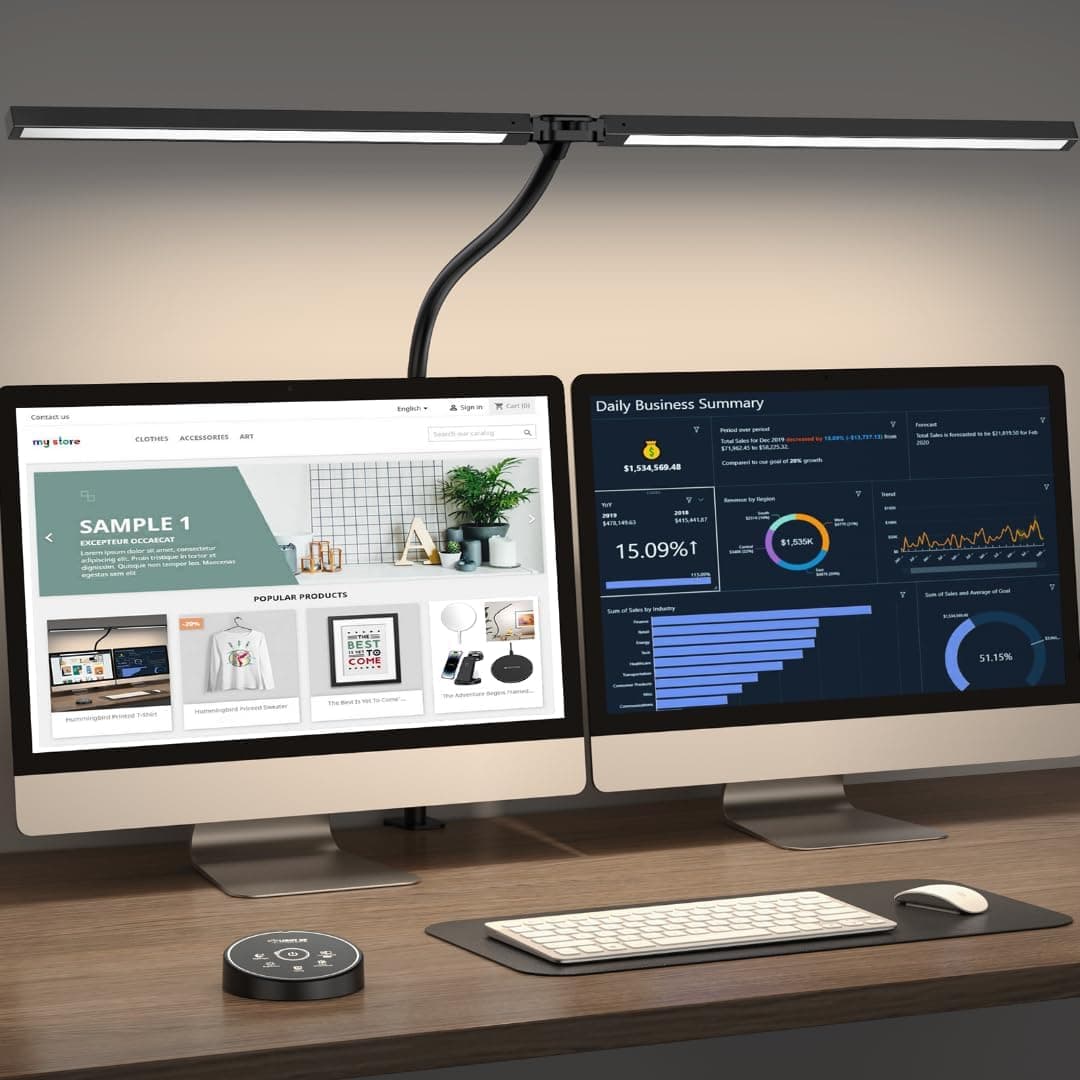
  1. Pzloz LED Desk Lamp with Clamp (Dual Head)

    Pzloz LED Desk Lamp with Clamp (Dual Head)

    Best Overall

    Check current price on AmazonBuy on Amazon
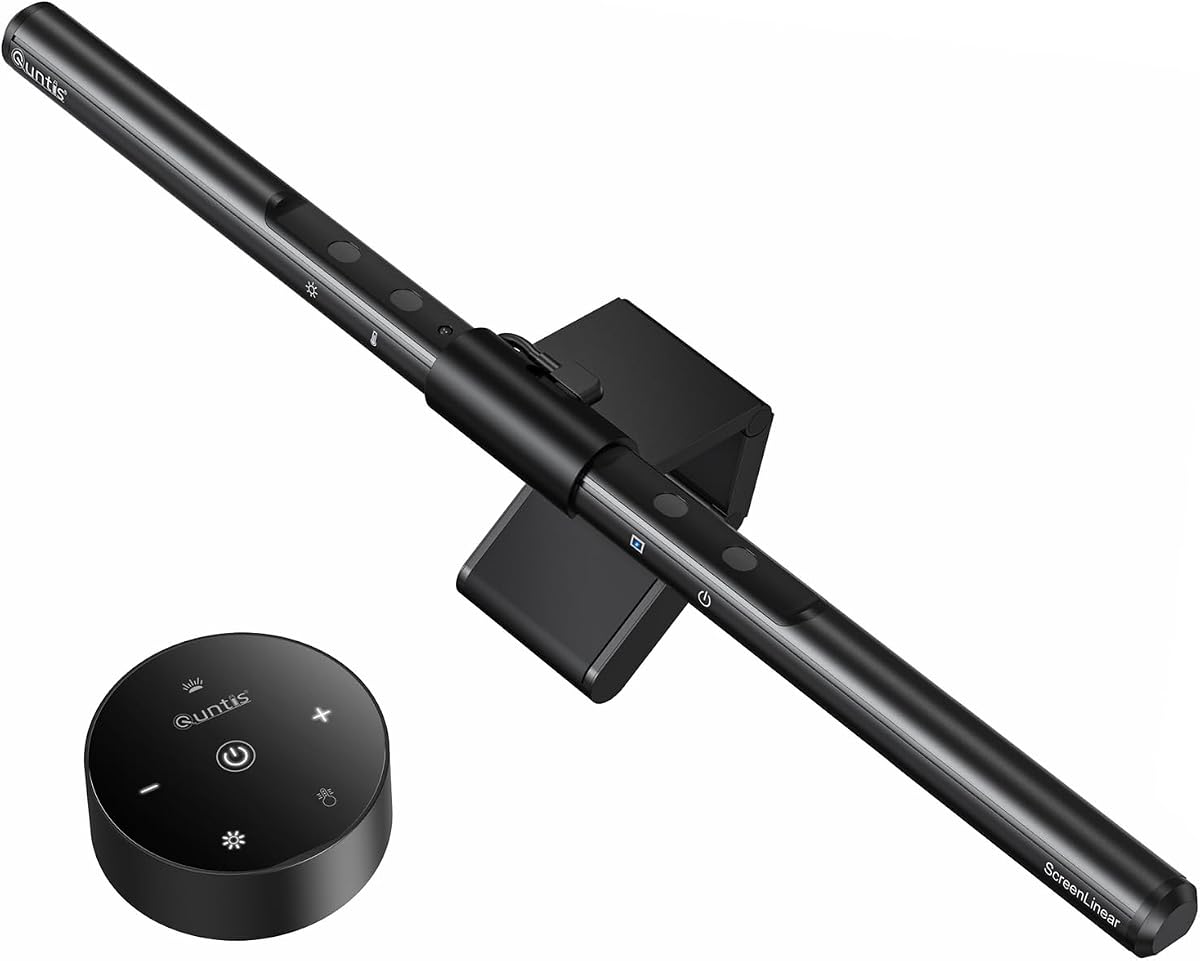
  2. Quntis Computer Monitor Lamp (ScreenLinear)

    Quntis Computer Monitor Lamp (ScreenLinear)

    Quntis

    Check current price on AmazonBuy on Amazon
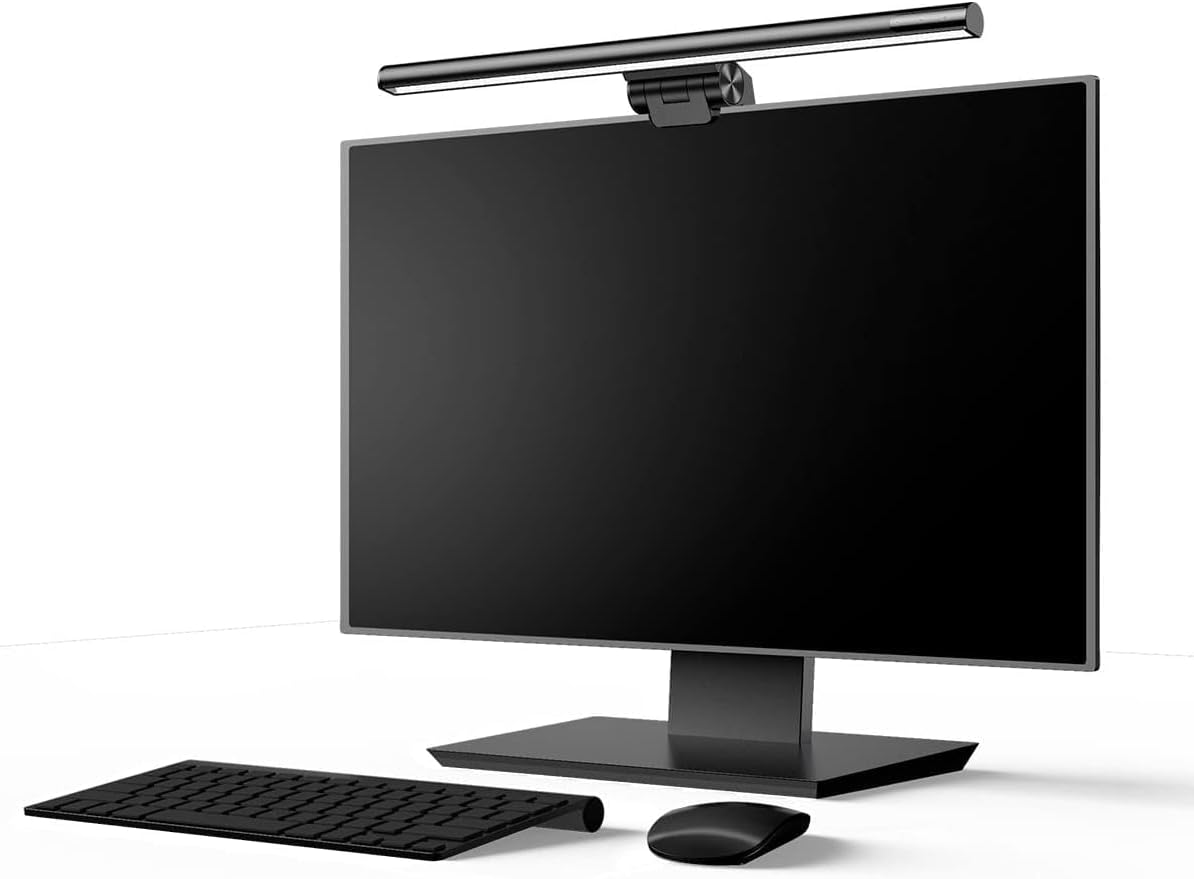
  3. Baseus Monitor Light Bar (i-Wok Series)

    Baseus Monitor Light Bar (i-Wok Series)

    Baseus

    Check current price on AmazonBuy on Amazon
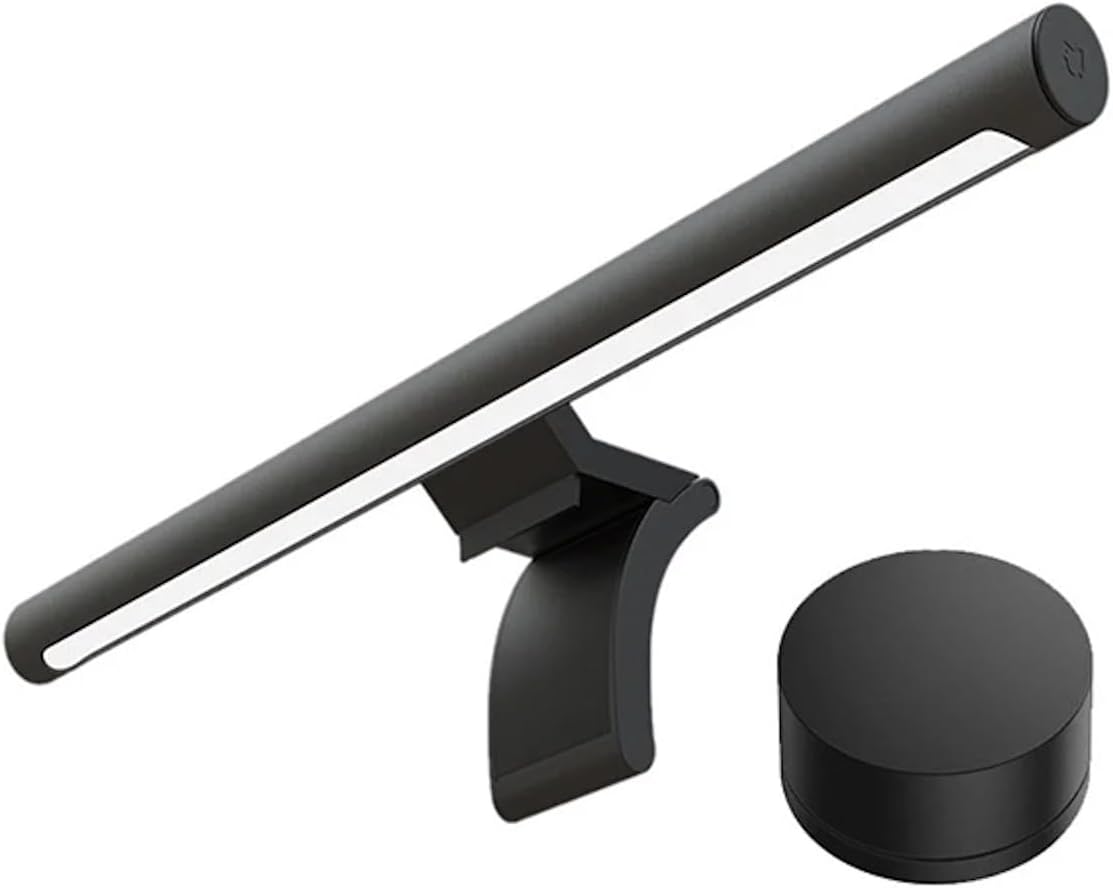
  4. Xiaomi Mi Computer Monitor Light Bar

    Xiaomi Mi Computer Monitor Light Bar

    Xiaomi

    Check current price on AmazonBuy on Amazon

The picks in detail

Our top dual monitor desk lamps, with the strengths and trade-offs of each pick to help you choose.

Pzloz LED Desk Lamp with Clamp (Dual Head)Best Overall

No. 1 · Top pick

Pzloz LED Desk Lamp with Clamp (Dual Head)

Pzloz

Check current price on AmazonBuy on Amazon

Why it ranked

Scored across trust, quality, and demand. It is rated 4.7 out of 5 from 3,634 ratings on Amazon, as of November 6, 2026.

Strengths

  • Integrated 10W Qi wireless charging pad eliminates separate phone charger cables from desk footprint
  • Dual articulated arms allow independent targeting of keyboard zones and secondary display areas
  • USB-A output port provides 5V/2A for secondary device charging alongside primary illumination
  • Memory function recalls last color temperature and brightness settings after power cycles

Trade-offs

  • Gooseneck arms may require periodic retightening after six months of frequent repositioning
  • USB port lacks fast-charging protocols beyond standard 5V output
  • Dual-head design consumes more desk depth than single-bar monitor mounts
Quntis Computer Monitor Lamp (ScreenLinear)

No. 2

Quntis Computer Monitor Lamp (ScreenLinear)

Quntis

Check current price on AmazonBuy on Amazon

Why it ranked

Scored across trust, quality, and demand. It is rated 4.6 out of 5 from 13,912 ratings on Amazon, as of October 31, 2026.

Strengths

  • Asymmetric dual-zone lighting controls front and back illumination independently for uneven ambient conditions
  • Auto-dimming sensor adapts to changing room light without manual adjustment cycles
  • Gravity-balanced clamp fits curved and flat monitors up to 1.2 inches thick with no tools required
  • Three color temperatures from 3000K to 6500K cover morning natural light through evening work sessions

Trade-offs

  • Auto-dimming occasionally overcorrects during video calls when screen brightness fluctuates rapidly
  • Touch controls lack tactile feedback and may require multiple taps in bright ambient light
  • Maximum 500-lux output can feel insufficient in rooms with strong overhead fluorescent fixtures
Baseus Monitor Light Bar (i-Wok Series)

No. 3

Baseus Monitor Light Bar (i-Wok Series)

Baseus

Check current price on AmazonBuy on Amazon

Why it ranked

Earned its place through trust dimension scores at the category's lowest price. It is rated 4.4 out of 5 from 3,925 ratings on Amazon, as of November 8, 2026.

Strengths

  • Spring-loaded clip mounts to bezels from 0.4 to 1.2 inches without adhesive or tool assembly
  • Asymmetric optics concentrate 95% of light output downward to prevent screen glare
  • Single rotary dial simplifies brightness control through 15 intensity steps from 50 to 500 lux
  • USB-A power draw of 5 watts at maximum brightness works with standard monitor hub outputs

Trade-offs

  • Fixed 4000K color temperature lacks warm evening modes or cool daylight options
  • Rotary dial combines power and brightness in single control requiring full-cycle rotation to turn off
  • Illumination zone width of 500mm may underserve extra-wide keyboard or desk layouts
Xiaomi Mi Computer Monitor Light Bar

No. 4

Xiaomi Mi Computer Monitor Light Bar

Xiaomi

Check current price on AmazonBuy on Amazon

Why it ranked

Scored across trust, quality, and demand. It is rated 4.4 out of 5 from 6,311 ratings on Amazon, as of November 11, 2026.

Strengths

  • Wireless rotary dial separates brightness and color temperature into dedicated control zones
  • Ra95 color rendering index improves accuracy for photo editing and design validation workflows
  • Aluminum housing with passive convection keeps surface temps below 40C during extended operation
  • Granular 2700K to 6500K temperature range provides warmer evening tones than competing fixed-spectrum models

Trade-offs

  • Magnetic mounting base requires flat top bezels and may need adhesive reinforcement on curved displays
  • Premium price approaches the $100 ceiling with limited feature additions beyond build quality
  • Wireless dial adds a separate component to track compared to integrated touch controls

Compare all 4 picks

Fact
Pzloz LED Desk Lamp with Clamp (Dual Head)
No. 1Pzloz LED Desk Lamp with Clamp (Dual Head)Best OverallBuy on Amazon
Quntis Computer Monitor Lamp (ScreenLinear)
No. 2Quntis Computer Monitor Lamp (ScreenLinear)Buy on Amazon
Baseus Monitor Light Bar (i-Wok Series)
No. 3Baseus Monitor Light Bar (i-Wok Series)Buy on Amazon
Xiaomi Mi Computer Monitor Light Bar
No. 4Xiaomi Mi Computer Monitor Light BarBuy on Amazon
PriceCheck current price on AmazonCheck current price on AmazonCheck current price on AmazonCheck current price on Amazon
Standout strengthIntegrated 10W Qi wireless charging pad eliminates separate phone charger cables from desk footprintAsymmetric dual-zone lighting controls front and back illumination independently for uneven ambient conditionsSpring-loaded clip mounts to bezels from 0.4 to 1.2 inches without adhesive or tool assemblyWireless rotary dial separates brightness and color temperature into dedicated control zones
Main trade-offGooseneck arms may require periodic retightening after six months of frequent repositioningAuto-dimming occasionally overcorrects during video calls when screen brightness fluctuates rapidlyFixed 4000K color temperature lacks warm evening modes or cool daylight optionsMagnetic mounting base requires flat top bezels and may need adhesive reinforcement on curved displays
//The Method

How we rank products

At theRANKS, we research and compare products to find the best options in each category.

  1. 01
    Demand

    The retailer sales rank; review velocity over the last three months. Measured on 4 of 4 picks on this page.

  2. 02
    Trust

    The 1-5 rating distribution; negative-review share; polarisation (the J-curve). Measured on 4 of 4 picks on this page.

  3. 03
    Value

    Not measured on any pick on this page — 4 pick(s) here carry no evidence for it.

  4. 04
    Quality

    The 1-5 rating distribution. Measured on 4 of 4 picks on this page.

  5. 05
    Durability

    Not measured on any pick on this page — 4 pick(s) here carry no evidence for it.

Dual Monitor Desk Lamps FAQ

  1. How do monitor light bars reduce eye strain compared to desk lamps
    Monitor light bars mount directly above displays and use asymmetric optics to direct light downward onto the keyboard and desk surface, avoiding screen reflections that cause glare. Traditional desk lamps cast light from side angles that create hotspots on glossy monitor coatings and uneven brightness across dual screens. The downward-angled design maintains consistent ambient illumination without competing with display backlights, reducing the contrast differential that forces your eyes to constantly readjust between bright screens and dark desk areas during extended work sessions.
  2. Is adjustable color temperature worth the extra cost for office work
    Adjustable color temperature provides measurable benefits for users working across morning natural light and evening artificial conditions. Cooler 5000K-6500K temperatures improve alertness during early daylight hours and match blue-tinted monitor backlights, while warmer 3000K-4000K evening modes reduce circadian rhythm disruption before sleep. Fixed 4000K neutral white handles general document work adequately but lacks adaptation for color-critical tasks or biological clock management. The $15-20 premium for adjustable temperature pays off for users sensitive to lighting-induced headaches or those running design workflows requiring accurate color perception.
  3. Do USB-powered monitor lamps provide enough brightness for dual screens
    USB-powered monitor lamps drawing 5-10 watts deliver 300-500 lumens, sufficient for illuminating standard keyboard and mouse zones across dual monitor setups. The downward directional design concentrates light where you need it rather than dispersing output across the room like traditional lamps. Maximum brightness of 500 lux at desk level handles overhead fluorescent washout in most office environments. Users in spaces with strong southern-facing windows or photography studios may need supplemental task lighting, but typical home office and corporate workstation conditions are well-served by USB power budgets that monitor hubs and ports reliably supply.
  4. Can monitor light bars damage screen coatings over time
    Monitor light bars pose no coating damage risk because they emit non-UV visible spectrum light at low thermal output levels. The LED arrays operate at 30-40 Celsius surface temperatures, far below thresholds that affect anti-glare or oleophobic screen treatments. Asymmetric optics direct less than 5% of total light output toward display surfaces, with the remainder focused downward on the desk. Prolonged exposure concerns apply to direct sunlight UV radiation or high-intensity studio lights positioned inches from panels, conditions that monitor-mounted bars deliberately avoid through their downward beam angles and moderate wattage specifications.
  5. How do clip-on mounts compare to weighted base designs for stability
    Clip-on mounts provide superior space efficiency by eliminating desk footprint entirely but require bezels between 0.4 and 1.2 inches thick for secure attachment. Weighted base designs with gooseneck arms consume 6-8 inches of desk diameter but adapt to ultra-thin displays, curved monitors, and temporary workspaces where clamps might damage finishes. Stability depends on counterbalance engineering - well-designed clips use gravity hinges that self-level on monitors up to 27 inches, while cheap spring clamps may slip on glossy bezels. Freestanding bases eliminate bezel thickness constraints but introduce cable management complexity and positional drift under repeated arm adjustments.
  6. What lux level is recommended for dual monitor productivity tasks
    Office productivity tasks including document editing, spreadsheet work, and web browsing perform optimally at 300-500 lux measured at the desk surface. This range balances adequate keyboard visibility with screen contrast that prevents eye strain during 6-8 hour work sessions. Design and photo editing workflows benefit from 500-750 lux to reveal detail in shadow areas without washing out monitor highlights. Most dual monitor lamps deliver 350-500 lumens translating to 400-600 lux at typical 18-24 inch viewing distances, meeting ISO 8995 office lighting standards without requiring supplemental overhead fixtures or dedicated task lamps.
  7. Are dual-head lamps better than single bars for ultra-wide monitors
    Dual-head lamps with independent gooseneck arms provide better coverage for ultra-wide monitors exceeding 34 inches because you can position each light source to eliminate the dark center zone that single bars create on wide spans. Standard monitor bars illuminate 18-24 inch zones effectively but exhibit brightness falloff beyond 30 inches, leaving peripheral edges underlit. Articulated dual heads also adapt to vertical monitor orientations and mixed-height dual displays where single bars assume horizontal alignment. The trade-off is increased desk footprint and cable complexity, making dual heads optimal for ultra-wide or non-standard layouts while single bars suffice for traditional dual 24-27 inch horizontal arrangements.

theRANKS may earn affiliate commissions from qualifying purchases. How that works