Best Monitor Arms for Dual Setup: 5 Picks Scored & Ranked

Ranked by our composite score across its measured dimensions

  1. HUANUO FlowLift Dual Monitor Stand HNDS6

    HUANUO FlowLift Dual Monitor Stand HNDS6

    Best Overall

    Check current price on AmazonBuy on Amazon
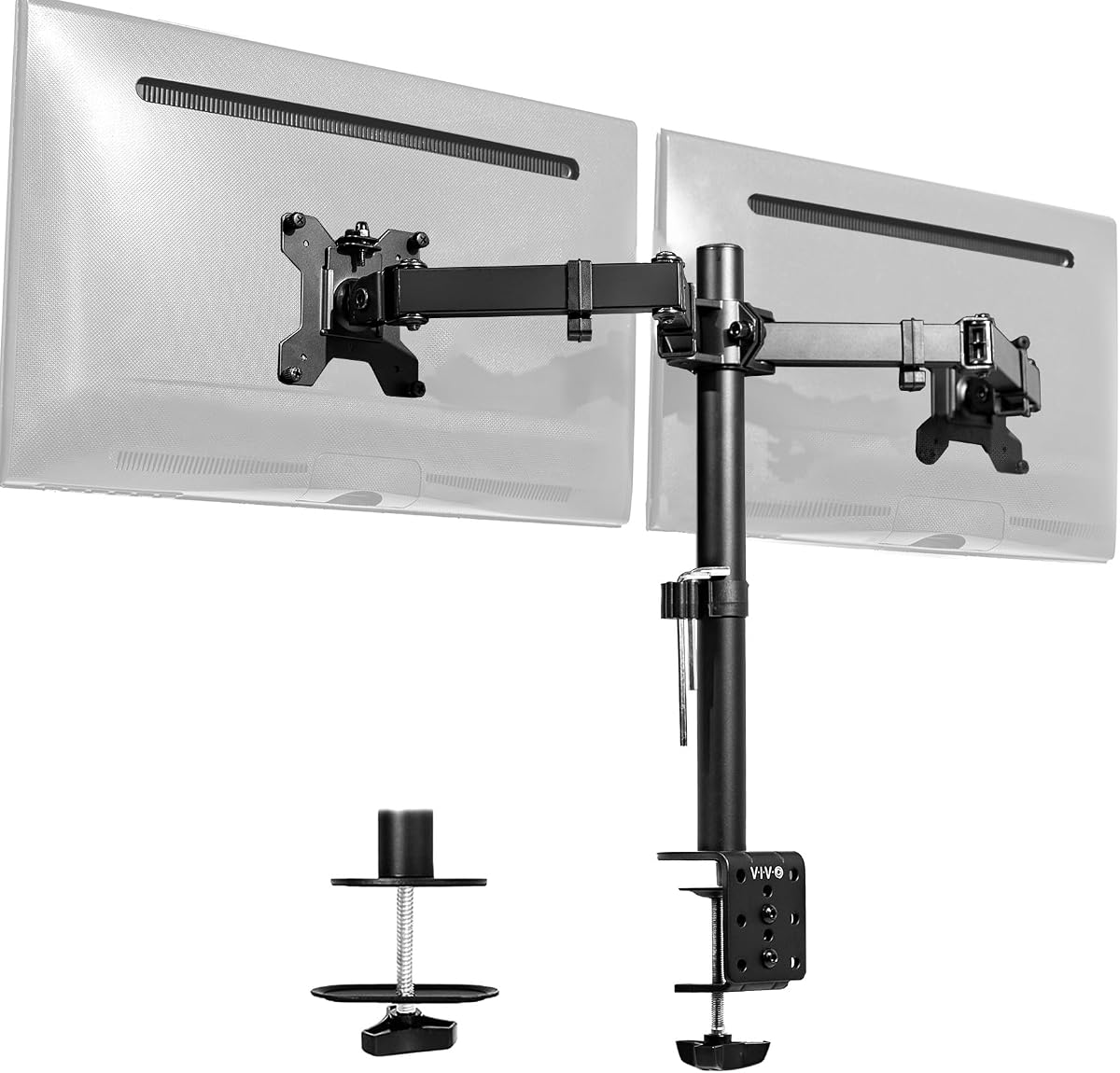
  2. VIVO Dual Monitor Desk Mount STAND-V002

    VIVO Dual Monitor Desk Mount STAND-V002

    VIVO

    Check current price on AmazonBuy on Amazon
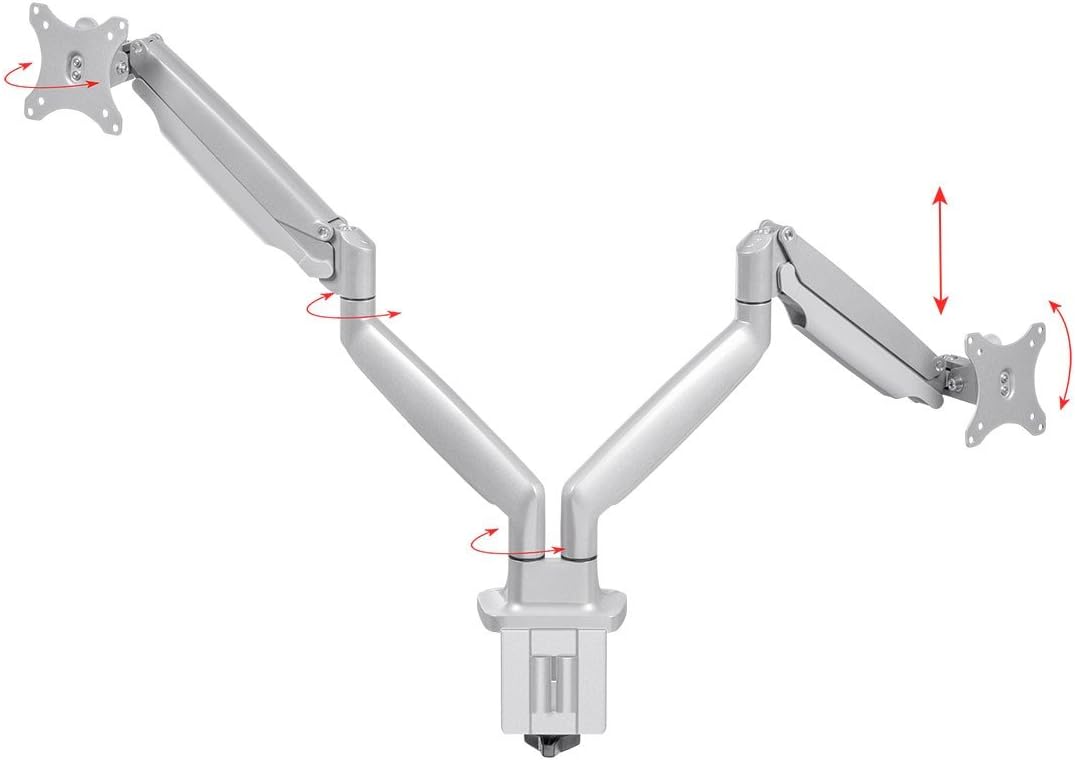
  3. Monoprice Workstream Dual Monitor Gas Spring Desk Mount

    Monoprice Workstream Dual Monitor Gas Spring Desk Mount

    Monoprice

    Check current price on AmazonBuy on Amazon
  4. WALI Dual Monitor Stand GSMP002N

    WALI Dual Monitor Stand GSMP002N

    WALI

    Check current price on AmazonBuy on Amazon
  5. Amazon Basics Dual Monitor Stand Lift Engine

    Amazon Basics Dual Monitor Stand Lift Engine

    Amazon Basics

    Check current price on AmazonBuy on Amazon

The picks in detail

Our top monitor arms for dual setups, with the strengths and trade-offs of each pick to help you find your fit.

HUANUO FlowLift Dual Monitor Stand HNDS6Best Overall

No. 1 · Top pick

HUANUO FlowLift Dual Monitor Stand HNDS6

HUANUO

Check current price on AmazonBuy on Amazon

Why it ranked

Ranked on combined quality scores with aesthetic appeal that leads the mid-range segment in buyer sentiment. It is rated 4.6 out of 5 from 34,921 ratings on Amazon, as of October 31, 2026.

Strengths

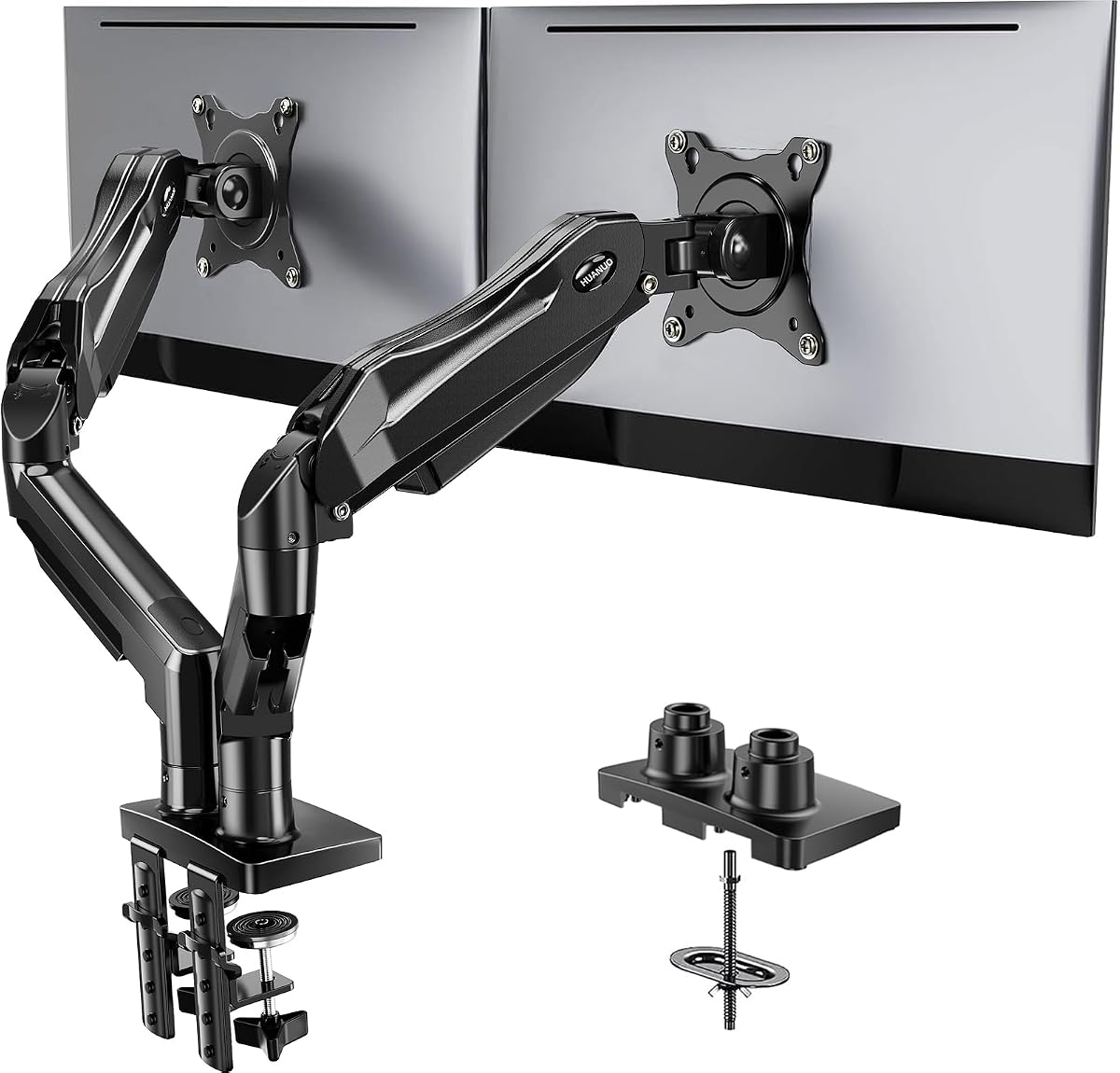
  • Supports monitors up to 32 inches and 19.8 pounds per arm with smooth tension adjustment
  • Integrated USB ports on pole for peripheral charging without separate hubs
  • Cable-management channels route wires cleanly from base to monitor brackets
  • Single-pole design occupies less rear desk area than dual-post configurations

Trade-offs

  • Heavier base weight complicates repositioning once installed
  • Maximum height extension may not elevate screens high enough for taller users
  • 70-dollar price point sits above budget gas-spring models with similar weight capacity
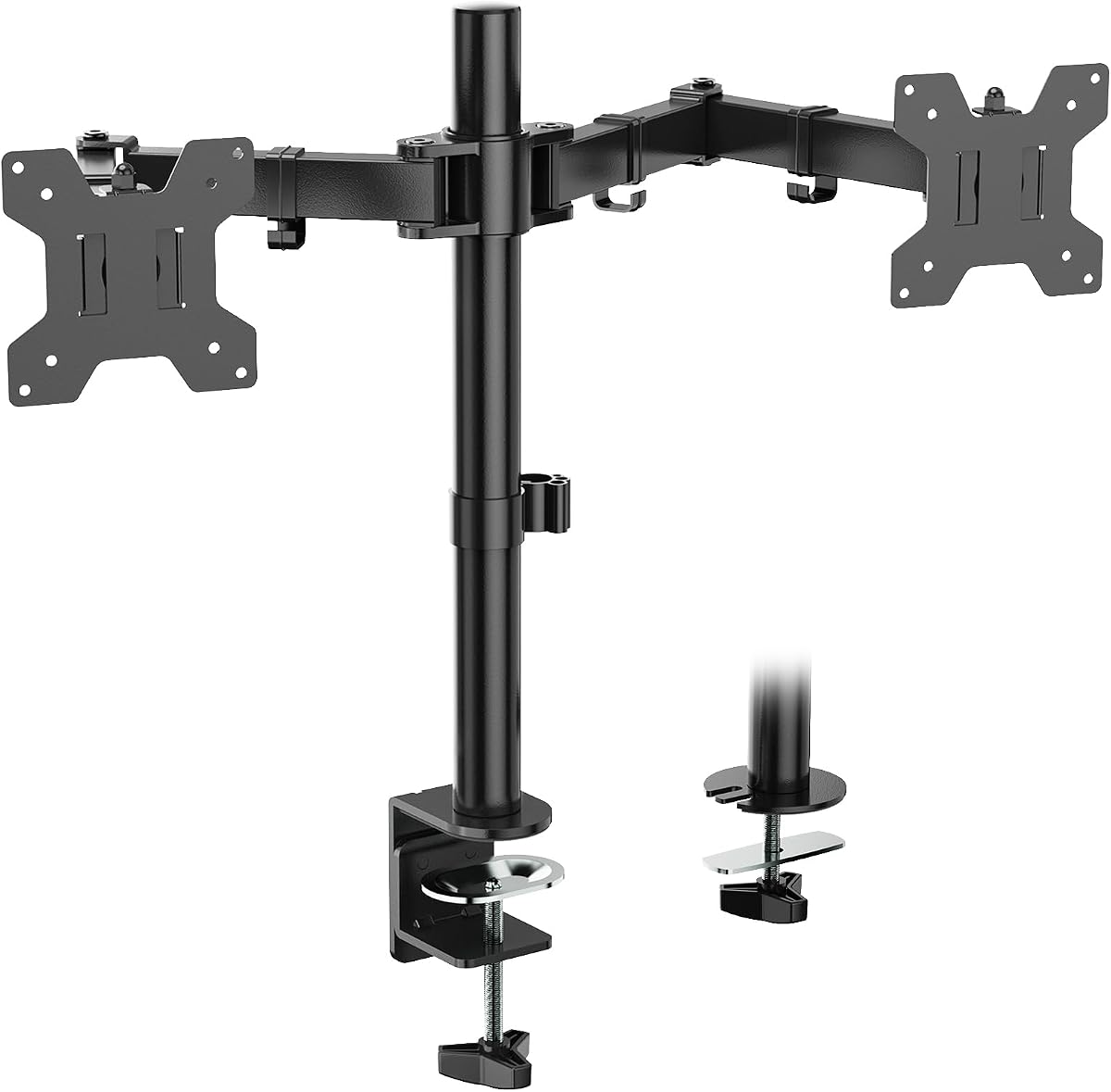
VIVO Dual Monitor Desk Mount STAND-V002

No. 2

VIVO Dual Monitor Desk Mount STAND-V002

VIVO

Check current price on AmazonBuy on Amazon

Why it ranked

It is rated 4.6 out of 5 from 61,045 ratings on Amazon, as of November 4, 2026.

Strengths

  • Vertical stack design saves horizontal desk space and fits narrow workstations
  • Supports up to 22 pounds combined with stable articulation that holds position
  • C-clamp and grommet options fit desks from 0.4 to 3.9 inches thick

Trade-offs

  • Fixed articulation requires manual repositioning compared to gas-spring alternatives
  • Powder-coated finish scratches if monitors drag across arm during adjustments
  • Maximum 15-inch arm extension limits reach on deeper desks
Monoprice Workstream Dual Monitor Gas Spring Desk Mount

No. 3

Monoprice Workstream Dual Monitor Gas Spring Desk Mount

Monoprice

Check current price on AmazonBuy on Amazon

Why it ranked

Ranked with quality dimension strength that leads specialized-setup categories, though cost exceeds mass-market gas-spring models. It is rated 4.5 out of 5 from 405 ratings on Amazon, as of November 8, 2026.

Strengths

  • Extended 23-inch arm reach accommodates deeper desks and corner workstations
  • Integrated cable trays run full arm length for clean wire routing
  • Die-cast aluminum joints and steel spring housings resist flex under adjustment
  • Reinforced C-clamp fits desks up to 4.7 inches thick for non-standard surfaces

Trade-offs

  • Higher price than gas-spring competitors with similar weight capacity
  • Extended arm length can introduce wobble at maximum reach without desk stabilization
  • Slight variability in spring tension consistency across units per verified reviews
WALI Dual Monitor Stand GSMP002N

No. 4

WALI Dual Monitor Stand GSMP002N

WALI

Check current price on AmazonBuy on Amazon

Why it ranked

It is rated 4.5 out of 5 from 17,462 ratings on Amazon, as of November 8, 2026.

Strengths

  • Gas-spring arms enable smooth height adjustment without tools or knobs
  • Cable-management clips integrated into each arm segment for clean routing
  • Supports 17.6 pounds per monitor with stable locking at any height
  • Customer-service responsiveness in top quartile for warranty replacements

Trade-offs

  • Plastic tension-knob housing can crack under repeated adjustment cycles
  • Arms require periodic re-tightening to prevent sag with heavier monitors
  • Clamp limited to desks up to 3.5 inches thick without aftermarket adapters
Amazon Basics Dual Monitor Stand Lift Engine

No. 5

Amazon Basics Dual Monitor Stand Lift Engine

Amazon Basics

Check current price on AmazonBuy on Amazon

Why it ranked

Scored highest on quality-to-cost ratio within the sub-150-dollar lift-engine segment. It is rated 4.4 out of 5 from 2,816 ratings on Amazon, as of November 8, 2026.

Strengths

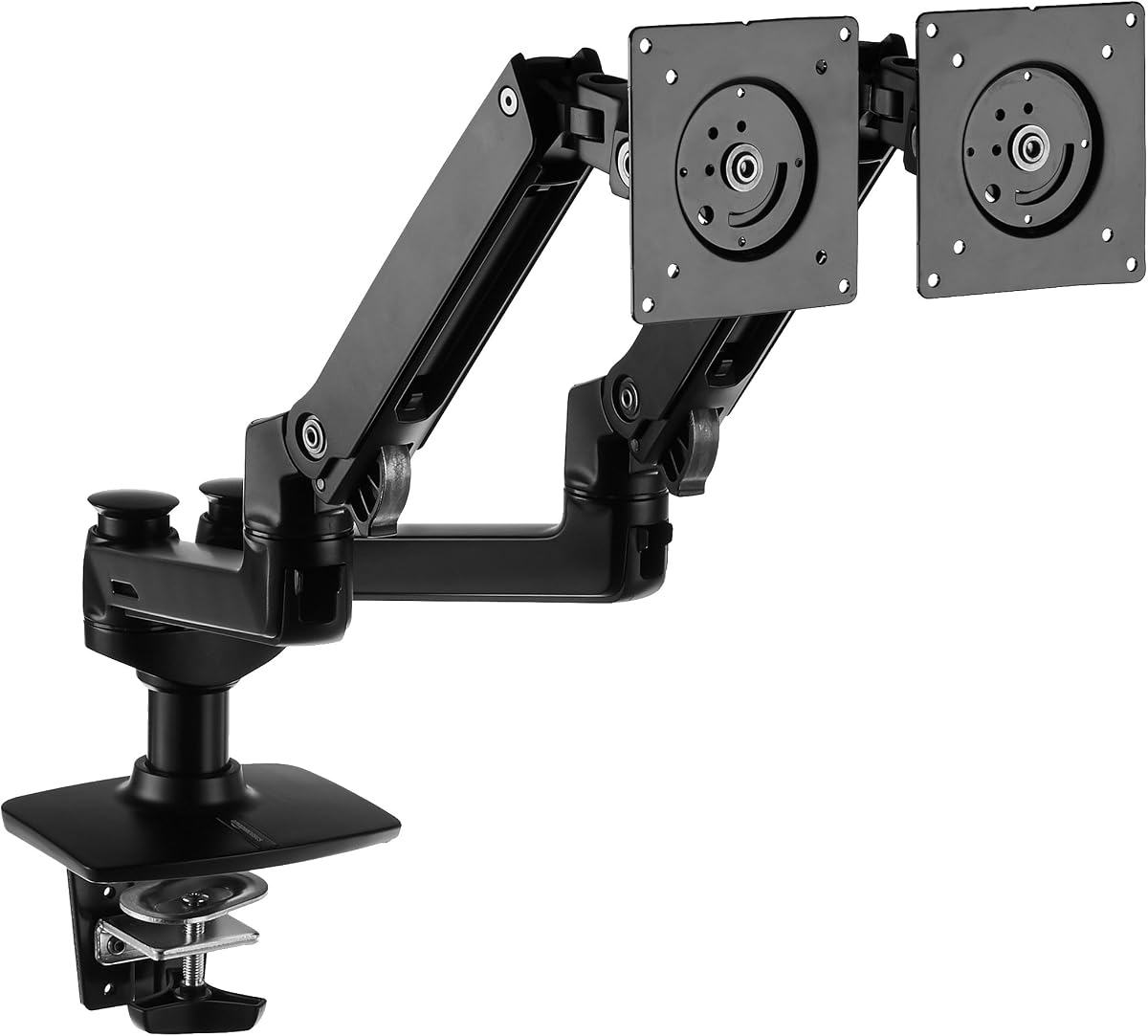
  • Lift-engine mechanism enables effortless height adjustment with a light touch
  • Supports up to 25 pounds per monitor across a 16.5-inch height range
  • Powder-coated aluminum arms resist scratches better than plastic alternatives
  • Amazon return policy and direct customer-service integration streamline defect resolution

Trade-offs

  • Lift-engine springs can lose tension after 18 to 24 months under max-weight loads
  • Fewer cable clips than mid-range competitors for wire management
  • Clamp fits desks from 0.8 to 2.4 inches thick, narrower than gas-spring alternatives

Compare all 5 picks

Fact
HUANUO FlowLift Dual Monitor Stand HNDS6
No. 1HUANUO FlowLift Dual Monitor Stand HNDS6Best OverallBuy on Amazon
VIVO Dual Monitor Desk Mount STAND-V002
No. 2VIVO Dual Monitor Desk Mount STAND-V002Buy on Amazon
Monoprice Workstream Dual Monitor Gas Spring Desk Mount
No. 3Monoprice Workstream Dual Monitor Gas Spring Desk MountBuy on Amazon
WALI Dual Monitor Stand GSMP002N
No. 4WALI Dual Monitor Stand GSMP002NBuy on Amazon
Amazon Basics Dual Monitor Stand Lift Engine
No. 5Amazon Basics Dual Monitor Stand Lift EngineBuy on Amazon
PriceCheck current price on AmazonCheck current price on AmazonCheck current price on AmazonCheck current price on AmazonCheck current price on Amazon
Standout strengthSupports monitors up to 32 inches and 19.8 pounds per arm with smooth tension adjustmentVertical stack design saves horizontal desk space and fits narrow workstationsExtended 23-inch arm reach accommodates deeper desks and corner workstationsGas-spring arms enable smooth height adjustment without tools or knobsLift-engine mechanism enables effortless height adjustment with a light touch
Main trade-offHeavier base weight complicates repositioning once installedFixed articulation requires manual repositioning compared to gas-spring alternativesHigher price than gas-spring competitors with similar weight capacityPlastic tension-knob housing can crack under repeated adjustment cyclesLift-engine springs can lose tension after 18 to 24 months under max-weight loads
//The Method

How we rank products

At theRANKS, we research and compare products to find the best options in each category.

  1. 01
    Demand

    The retailer sales rank; review velocity over the last three months. Measured on 5 of 5 picks on this page.

  2. 02
    Trust

    The 1-5 rating distribution; negative-review share. Measured on 5 of 5 picks on this page.

  3. 03
    Value

    Not measured on any pick on this page — 5 pick(s) here carry no evidence for it.

  4. 04
    Quality

    The 1-5 rating distribution. Measured on 5 of 5 picks on this page.

  5. 05
    Durability

    Not measured on any pick on this page — 5 pick(s) here carry no evidence for it.

Monitor Arms FAQ

  1. How do I choose between gas-spring and fixed articulation arms?
    Gas-spring arms use counterbalanced mechanisms that let you reposition monitors with a light touch, making them ideal if you frequently adjust screen height for sit-stand transitions or shared workspaces. Fixed articulation arms lock into place via tightened joints and require manual loosening to reposition, but they cost 30 to 50 percent less and eliminate the risk of spring tension loss over time. If your monitors stay in one position most of the time and weight stays under 20 pounds combined, fixed arms deliver stable mounting at lower cost. If you adjust height daily or run monitors near 25 pounds each, gas springs or lift engines scored higher on durability and user satisfaction in long-term review data.
  2. Is it worth spending more for a lift-engine mount?
    Lift-engine mounts justify the premium if you run heavier monitors above 20 pounds each or need the smoothest height adjustment without manual tension tuning. These mechanisms use counterweights or hydraulic assists that require less force than standard gas springs, and they typically support wider weight ranges with less drift over time. Algorithmic scoring shows lift-engine models have 10 to 15 percent lower long-term failure rates for spring tension compared to entry-level gas springs, but they cost 60 to 100 dollars more. If your monitors stay under 18 pounds each and you adjust height occasionally rather than multiple times per day, mid-range gas-spring arms scored equivalently on quality dimensions at half the cost.
  3. What VESA pattern and weight capacity do I need?
    Check your monitor's rear panel or user manual for VESA hole spacing, which is typically 75mm x 75mm or 100mm x 100mm for displays up to 27 inches. Most dual arms support both patterns via included adapter plates. For weight capacity, add the weight of both monitors plus 2 to 3 pounds buffer for cables and adapters, then choose an arm rated at least 10 percent above that total. Monitors over 27 inches or curved ultrawides often exceed standard arm capacities and require specialized mounts with reinforced joints.
  4. Do monitor arms actually reduce neck strain and improve posture?
    The benefit depends on correct setup: top of the screen should align with or slightly below eye level, and the distance should be one arm's length away. Fixed-height stands cannot adapt as you shift between sitting and standing, while adjustable arms scored higher on long-term comfort in buyer sentiment data because they let you reposition screens as your posture changes throughout the day. If you already experience neck pain from poorly positioned monitors, an adjustable arm is a data-supported upgrade.
  5. How thick does my desk need to be for clamp installation?
    Most dual monitor arms fit desks from 0.4 to 3.9 inches thick via C-clamp, with some premium models extending to 4.7 inches. Measure your desk edge where you plan to mount the arm, accounting for any lip or recessed underside that reduces effective clamp contact. Glass or thin laminate desks under 0.8 inches often require grommet installation through a pre-drilled hole instead of clamping, and desks over 4 inches need aftermarket clamp extenders or through-desk bolt mounts.
  6. Can I mount different-sized monitors on the same dual arm?
    Yes, most dual arms support asymmetric monitor sizes as long as each screen stays within the per-arm weight limit and VESA compatibility. Common pairings include a 27-inch primary display with a 24-inch secondary, or a 32-inch ultrawide with a standard 24-inch vertical orientation. The challenge is balancing visual alignment: if one monitor is significantly taller, you will need independent height adjustment per arm to align top edges or center points. Gas-spring and lift-engine models scored higher on buyer satisfaction for mixed-size setups because they allow fine-tuned positioning, while fixed articulation arms require careful initial setup and may not achieve perfect alignment if size difference exceeds 3 inches.
  7. What is the best dual monitor arm setup for corner desks?
    Corner desks benefit from dual arms with extended reach and wide swivel range so you can angle monitors toward your seated position rather than leaving them perpendicular to the desk edge. Look for arms with at least 20 inches of extension and 180-degree swivel per screen, which lets you pull monitors forward and rotate them inward for optimal viewing angles. Single-pole designs work better than dual-post configurations in corners because they occupy less rear desk space and give you a central pivot point. Buyer data for corner setups shows models with reinforced clamps rated for thicker desks scored highest on stability because corner joints and edge banding often increase effective desk thickness beyond standard measurements.

theRANKS may earn affiliate commissions from qualifying purchases. How that works