Best Portable Monitors for Remote Work and Travel: 5 Picks Ranked

Ranked by our composite score across five dimensions

The picks in detail

Five portable monitors algorithmically ranked for remote workers and travelers. Picks with composite scores lead; the rest are ranked by price, lowest…

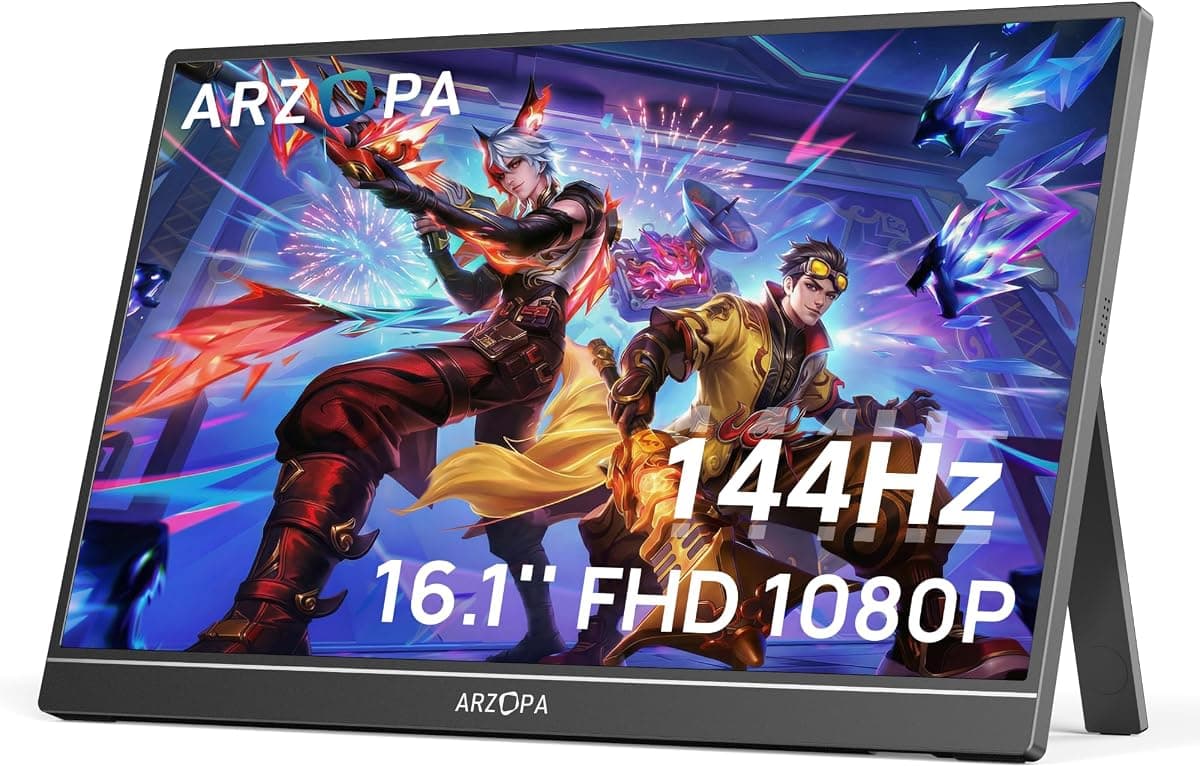
ARZOPA Z1FC 16.1" 144Hz Portable Gaming MonitorBest Overall

No. 1 · Top pick

ARZOPA Z1FC 16.1" 144Hz Portable Gaming Monitor

ARZOPA

Why it ranked

Scored across trust, quality, durability, value, and demand.

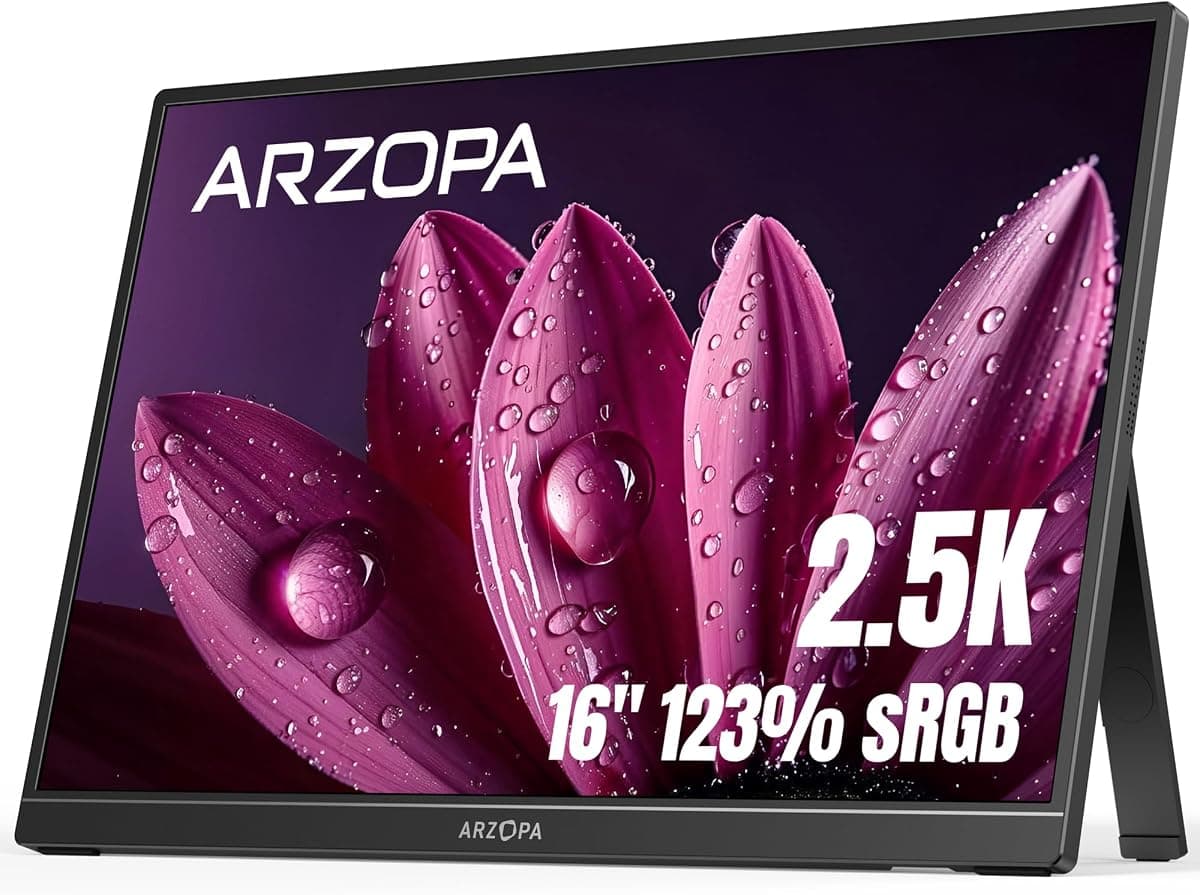
ARZOPA 16" 2.5K Portable Monitor, 2560x1600 QHD IPS DisplayBest Budget

No. 2

ARZOPA 16" 2.5K Portable Monitor, 2560x1600 QHD IPS Display

Arzopa

Why it ranked

This monitor is ranked by price as no composite score was computed for it.

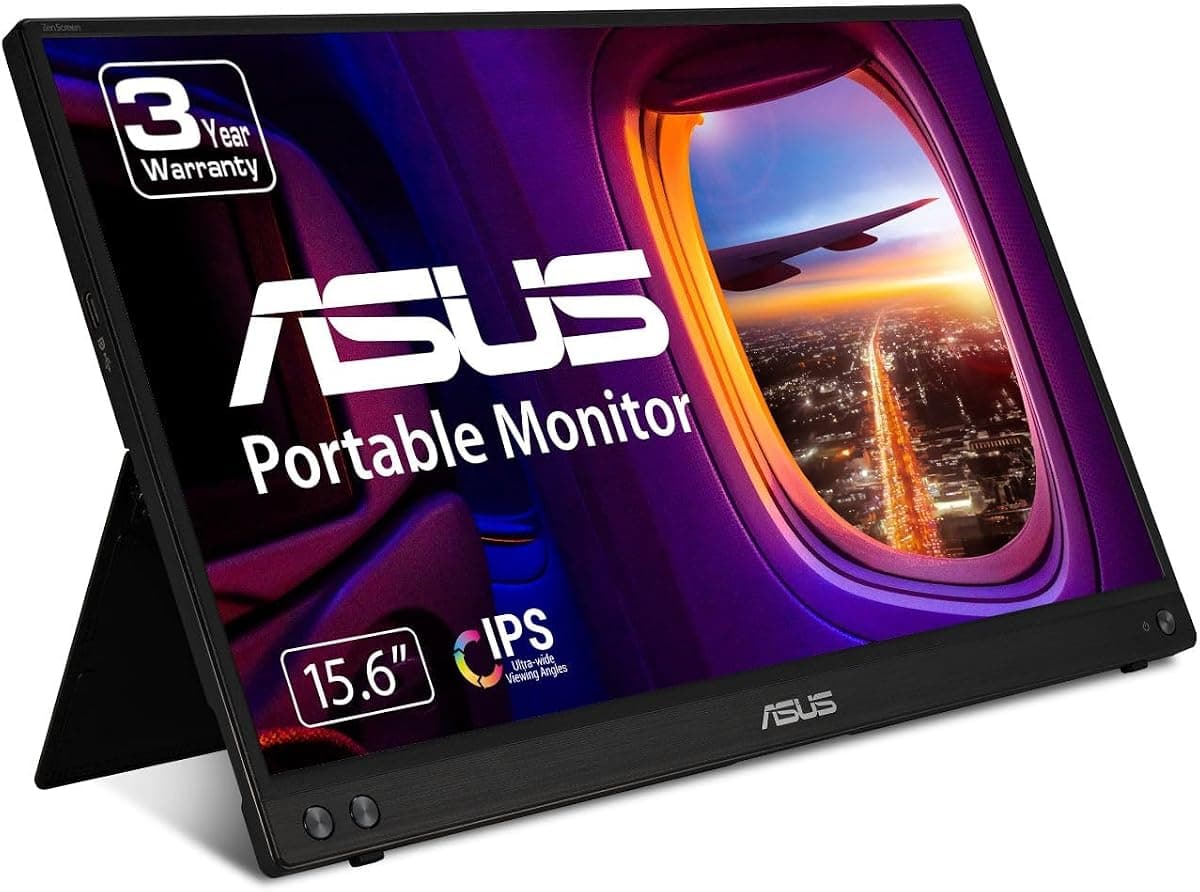
ASUS ZenScreen MB16ACV 15.6" Portable Monitor

No. 3

ASUS ZenScreen MB16ACV 15.6" Portable Monitor

ASUS

Why it ranked

Scored across trust, quality, durability, value, and demand.

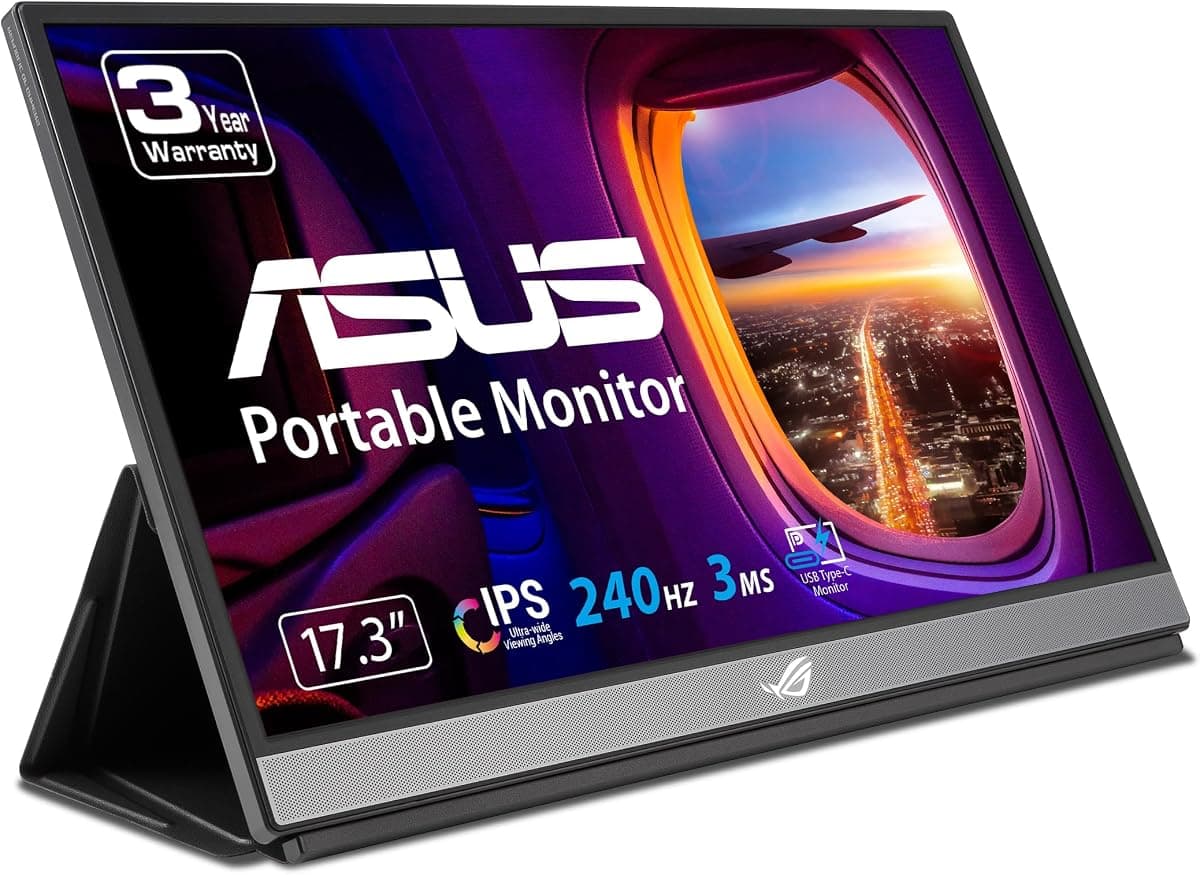
ASUS ROG Strix 17.3" 1080P Portable Gaming Monitor

No. 4

ASUS ROG Strix 17.3" 1080P Portable Gaming Monitor

ASUS

Why it ranked

This monitor is ranked by price as no composite score was computed for it.

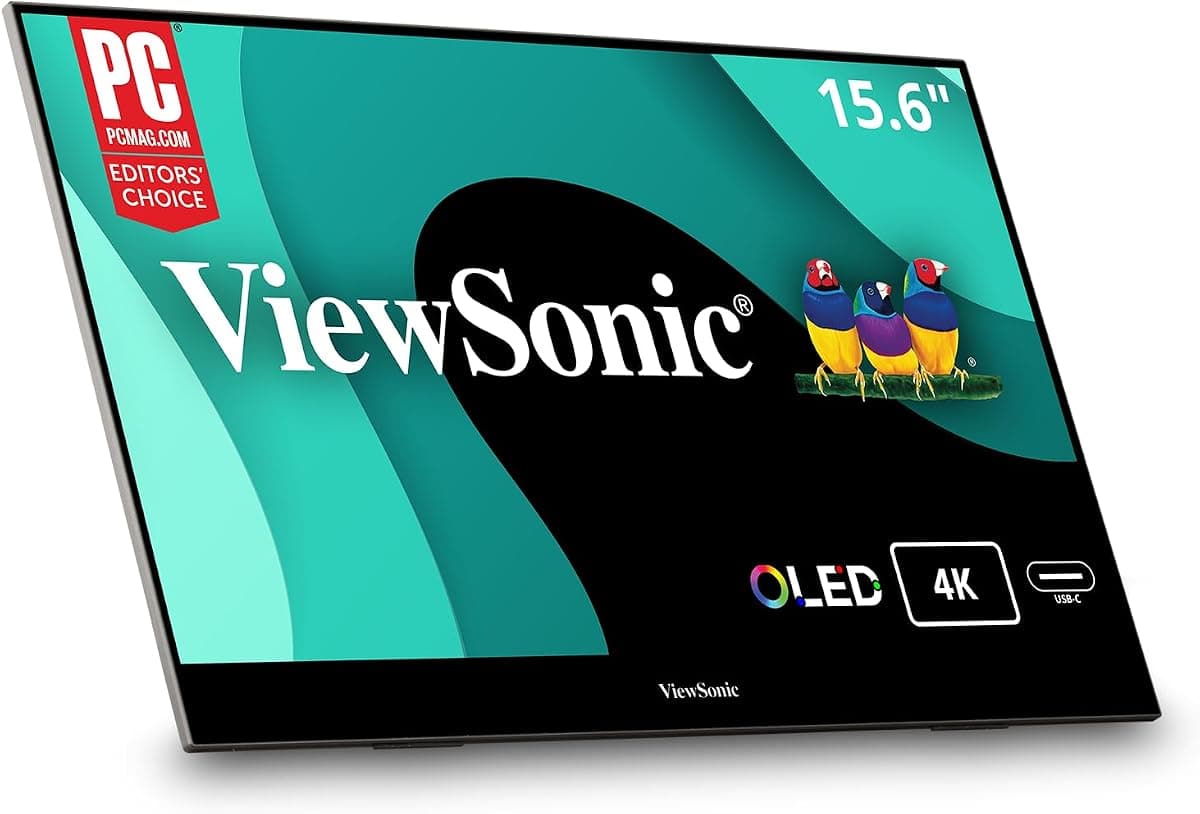
ViewSonic VX1655-4K-OLED 16 Inch 4K UHD OLED PortableBest Premium

No. 5

ViewSonic VX1655-4K-OLED 16 Inch 4K UHD OLED Portable

ViewSonic

Why it ranked

This product is ranked by price as no composite score was computed for it.

Compare all 5 picks

Fact
ARZOPA Z1FC 16.1" 144Hz Portable Gaming Monitor
No. 1ARZOPA Z1FC 16.1" 144Hz Portable Gaming MonitorBest OverallBuy on Amazon
ARZOPA 16" 2.5K Portable Monitor, 2560x1600 QHD IPS Display
No. 2ARZOPA 16" 2.5K Portable MonitorBest BudgetBuy on Amazon
ASUS ZenScreen MB16ACV 15.6" Portable Monitor
No. 3ASUS ZenScreen MB16ACV 15.6" Portable MonitorBuy on Amazon
ASUS ROG Strix 17.3" 1080P Portable Gaming Monitor
No. 4ASUS ROG Strix 17.3" 1080P Portable Gaming MonitorBuy on Amazon
ViewSonic VX1655-4K-OLED 16 Inch 4K UHD OLED Portable
No. 5ViewSonic VX1655-4K-OLED 16 Inch 4K UHD OLED PortableBest PremiumBuy on Amazon
Price$129.98$124.99$149.00$324.81$499.99
//The Method

Every rank is a composite, not an opinion.

The same five dimensions, the same weights, applied to every product in the category. The composite is recomputed whenever the data moves — and the rank order updates with it.

  1. 01
    Demand

    The retailer sales rank; review velocity over the last three months. Measured on 5 of 5 picks on this page.

  2. 02
    Trust

    The 1-5 rating distribution; negative-review share; polarisation (the J-curve). Measured on 5 of 5 picks on this page.

  3. 03
    Value

    Price against the category median; measured quality per pound spent. Measured on 5 of 5 picks on this page.

  4. 04
    Quality

    The 1-5 rating distribution; review text, including the share of it that mentions a defect. Measured on 5 of 5 picks on this page.

  5. 05
    Durability

    Reviews aged three months or more, and the share of them reporting a failure. Measured on 3 of 5 picks on this page.
Computer Monitors FAQ

  1. How do I choose between 1080p and higher resolution portable monitors?
    Resolution choice depends on your primary tasks and the physical screen size. Higher resolutions consume more power from your laptop battery, which matters during extended unplugged sessions.
  2. Is it worth paying more for OLED technology in a portable monitor?
    OLED delivers true blacks and superior contrast compared to IPS panels, which makes a visible difference when editing photos, grading video, or consuming media with dark scenes. The technology shows its strengths in color-critical work where accurate shadow detail matters. However, OLED draws more power when displaying bright content and typically costs significantly more than equivalent IPS displays. Remote workers focused primarily on document editing and spreadsheets may not see enough benefit to justify the premium.
  3. Do portable monitors require separate power adapters for travel?
    Most modern portable monitors draw power through USB-C from your laptop, eliminating the need for separate adapters. This single-cable setup simplifies packing and reduces the number of outlets needed in hotel rooms or cafes. However, your laptop must supply sufficient power through USB-C for this to work reliably. Some premium models include built-in batteries that power the display independently, while others offer optional power adapters for use with devices that cannot supply adequate power through the video connection.
  4. Can portable monitors actually improve productivity for remote work?
    A second screen expands your workspace, allowing you to keep reference materials, communication apps, or documentation visible while working in your primary application. This reduces the time spent switching between windows and improves focus on complex tasks. The productivity gain is most noticeable for work involving multiple data sources, such as research, coding, or financial analysis. Travelers working from small hotel desks or coffee shop tables gain workspace that would otherwise require a larger footprint.
  5. What refresh rate do I need for productivity versus gaming?
    Standard 60Hz displays handle productivity tasks including document editing, spreadsheets, and video calls without limitation. Gaming benefits from higher refresh rates, with 144Hz providing noticeably smoother motion in fast-paced titles and 240Hz serving competitive gaming where every frame matters. If your portable monitor serves dual purposes and you game during travel downtime, a 144Hz option balances both uses. Pure productivity work does not require gaming-level refresh rates.
  6. How do portable monitor sizes affect portability and usability?
    Larger 17-inch displays provide more room for side-by-side windows but reduce portability and may not fit standard laptop compartments. Consider your typical travel setup: frequent flyers and train commuters often prefer compact options, while road warriors with car transport can accommodate larger screens. The size choice also affects pixel density at a given resolution, with smaller screens showing sharper text at lower resolutions.
  7. Are built-in stands and cases worth the extra cost?
    Integrated stands eliminate the need to pack separate supports, reducing the number of items in your bag and setup time at each location. Smart cases that double as stands further streamline travel by combining protection with functionality. These features matter most to frequent travelers who set up and tear down their workspace multiple times per week. The convenience trades off against slightly higher weight and cost compared to bare monitors that require separate stands or propping.

theRANKS may earn affiliate commissions from qualifying purchases. How that works